
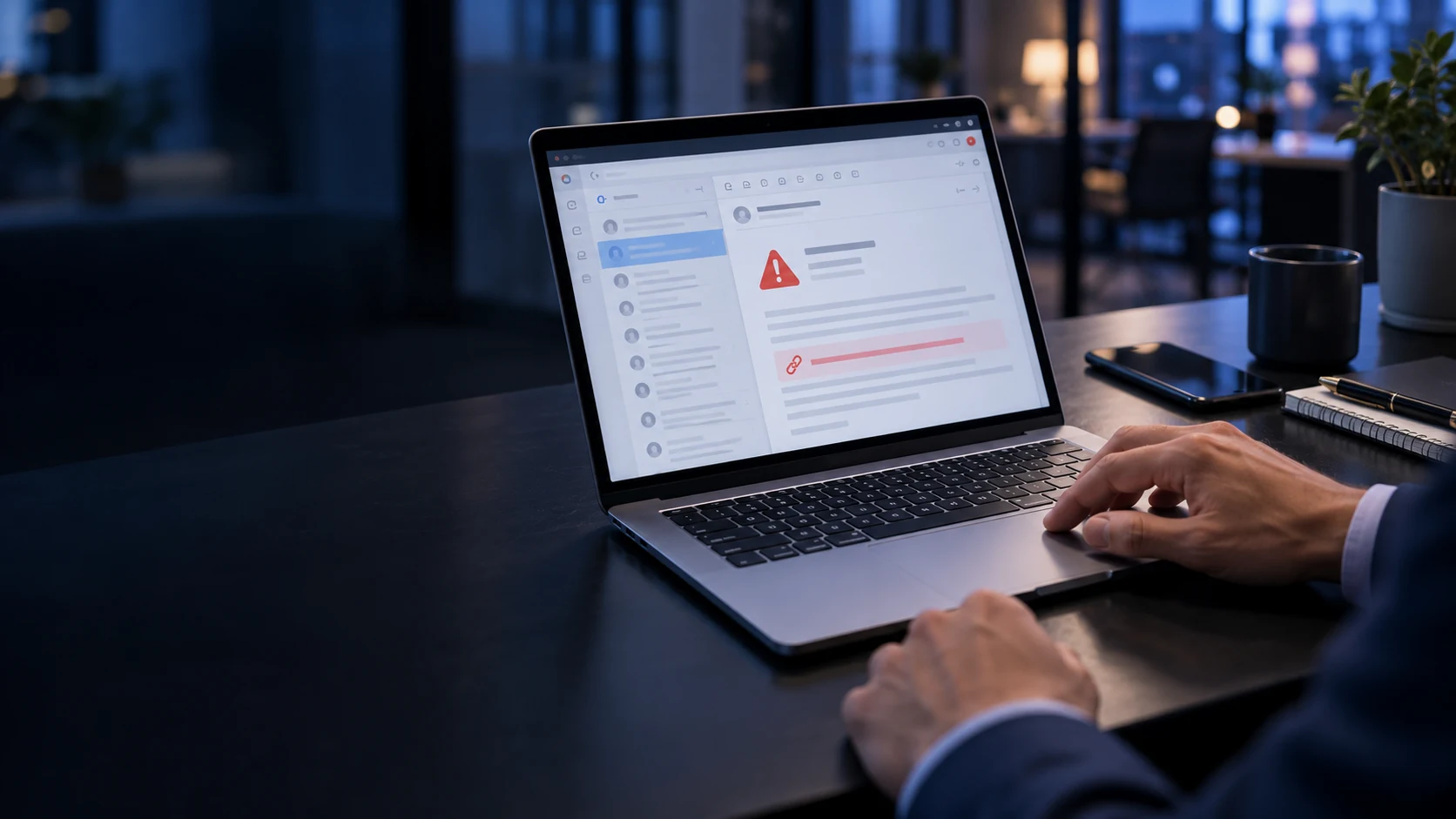
A convincing email can persuade someone to share a password, open a malicious attachment, or transfer money to the wrong account. Attackers may impersonate a manager, copy a supplier’s branding, or send a fake login notification.
Effective email security combines threat detection, domain authentication, account protection, and clear procedures for employees.
Phishing: When a Message Becomes a Trap
Phishing uses deceptive messages to encourage actions that benefit an attacker. Common examples include fake password-reset requests, unexpected invoices, delivery notifications, and urgent requests for confidential information.
The message may lead to a fraudulent login page, contain a harmful attachment, or simply ask the recipient to reply.
Warning signs include unexpected urgency, unusual requests, mismatched addresses, and requests to bypass normal procedures. However, polished writing and familiar branding do not prove that a message is genuine. Suspicious messages should be reported through the organization’s established process. CISA’s phishing guidance

Phishing relies on urgency, trust and convincing presentation to trigger unsafe actions.
Business Email Compromise: Fraud Without a Malicious Attachment
Business email compromise, or BEC, involves impersonating or compromising a trusted business contact to manipulate a recipient.
Imagine an employee receiving a message that appears to come from a supplier: “Our bank details have changed. Please use this new account for your next payment.”
The email may contain no malware or suspicious link. Its purpose is to exploit trust.
Sensitive requests—especially changes to payment details—should be verified through an independent channel, such as calling a previously confirmed phone number. Contact details supplied in the suspicious message should not be used for verification.
SPF, DKIM, and DMARC: Protecting Your Sending Domain
Email authentication helps receiving mail systems assess whether a message is authorized to use a domain.
Three complementary mechanisms support this process:
| Mechanism | What it checks | Why it matters |
|---|---|---|
| SPF | Whether the sending server is authorized for the envelope sender domain used during delivery. | Helps detect unauthorized use of that sending identity. |
| DKIM | Whether a domain’s digital signature is valid and the signed content has remained intact. | Provides a verifiable signing identity and protects signed message content against modification. |
| DMARC | Whether a passing SPF or DKIM result aligns with the domain in the visible From address. | Connects authentication to the domain recipients see and publishes handling instructions for failures. |
Correctly configuring these mechanisms helps protect a domain against direct spoofing. Authentication also supports reliable delivery, although it does not guarantee inbox placement. Google’s email authentication guidance
SPF: Authorizing Sending Services
Sender Policy Framework (SPF) lets a domain publish which servers or services are allowed to send using its envelope sender identity.
An organization may send email through its employee mail platform, newsletter service, CRM, and other applications. Those services need appropriate authentication configuration.
SPF does not, by itself, authenticate the From address displayed to the reader. Forwarding can also affect SPF checks, which is one reason organizations use DKIM and DMARC alongside it.
DKIM: Signing Messages
DomainKeys Identified Mail (DKIM) adds a digital signature to outgoing messages. Receiving systems verify that signature using a public key published for the signing domain.
A valid signature shows that the signed content has not been altered in a way that breaks verification.
DKIM does not encrypt the message or establish that its content is harmless. An attacker-controlled domain or compromised account can still send authenticated malicious email.
DMARC: Connecting Authentication to the Visible Sender
Domain-based Message Authentication, Reporting, and Conformance (DMARC) checks whether authentication supports the domain shown in the message’s From address.
A message passes DMARC when at least one of these conditions is met:
- SPF passes, and its authenticated domain aligns with the visible From domain.
- DKIM passes, and its signing domain aligns with the visible From domain.
Alignment allows defined relationships between domains; depending on the configuration, an exact match or a shared organizational domain may qualify. Passing both SPF and DKIM is useful, but DMARC does not require both to pass. Google’s explanation of DMARC alignment
Understanding DMARC Policies
A domain owner can publish a policy requesting how receiving systems handle messages that fail DMARC.
- p=none — Monitoring: Requests no special handling based on DMARC failure. With reporting configured, it helps identify sending sources and authentication problems.
- p=quarantine — Restricted handling: Requests that failing messages be treated as suspicious, commonly by placing them in spam.
- p=reject — Rejection: Requests that receiving systems reject failing messages.
Receiving systems ultimately apply their own handling rules. A monitoring policy provides visibility, but it does not request that spoofed messages be blocked.
Before enforcing a stricter policy, organizations should identify legitimate senders, review reports, and resolve authentication or alignment problems. This reduces the risk of disrupting genuine business email. Google’s recommended DMARC rollout

SPF, DKIM and DMARC help protect the sending identity of a business domain.
Why DMARC Does Not Stop Every Phishing Attack
DMARC addresses unauthorized use of the protected domain in the visible From address. Attackers can still use similar-looking domains, misleading display names, or compromised legitimate accounts.
For example, an attacker might register a domain resembling your company’s name and configure valid authentication for it. The message could pass DMARC while still being fraudulent.
Email authentication therefore needs to work alongside message analysis, account security, and employee verification procedures.
What Else Should Email Security Include?
Message, Link, and Attachment Protection
Email security tools can assess sender behavior, inspect attachments, and evaluate links for signs of phishing or malware.
These checks help reduce exposure before employees interact with a message. Organizations also need a process for investigating reported emails and removing harmful messages that have already reached inboxes.
Strong Account Protection
Multifactor authentication adds protection beyond a password. Phishing-resistant methods, such as appropriately implemented security keys and passkeys, help prevent credentials from being used on fraudulent login sites.
CISA recommends phishing-resistant MFA as a stronger defense against account compromise. CISA’s phishing-resistant MFA guidance
Employee Awareness and Verification
Employees should know how to report suspicious messages and verify sensitive requests without feeling pressured to act immediately.
Useful habits include opening familiar services through saved bookmarks, confirming unexpected payment changes independently, and checking the full sender address rather than relying on the display name.
Monitoring and Incident Response
A compromised mailbox may be used to create forwarding rules, access confidential correspondence, or send fraudulent messages to existing contacts.
Monitoring and a prepared response process help teams investigate suspicious activity, revoke unauthorized access, and address the wider impact.
Protect Your Inbox and Your Business Identity
Email security serves two connected purposes: protecting employees from harmful messages and making it harder for attackers to impersonate your organization’s domain.
SPF, DKIM, and DMARC establish a foundation for domain authentication. Filtering, phishing-resistant account protection, employee awareness, and monitoring address the risks authentication alone cannot cover.
A strong email security strategy protects messages, accounts, and business trust—and gives your team a clear way to respond when something looks wrong.